
© Copuloo Official 2025
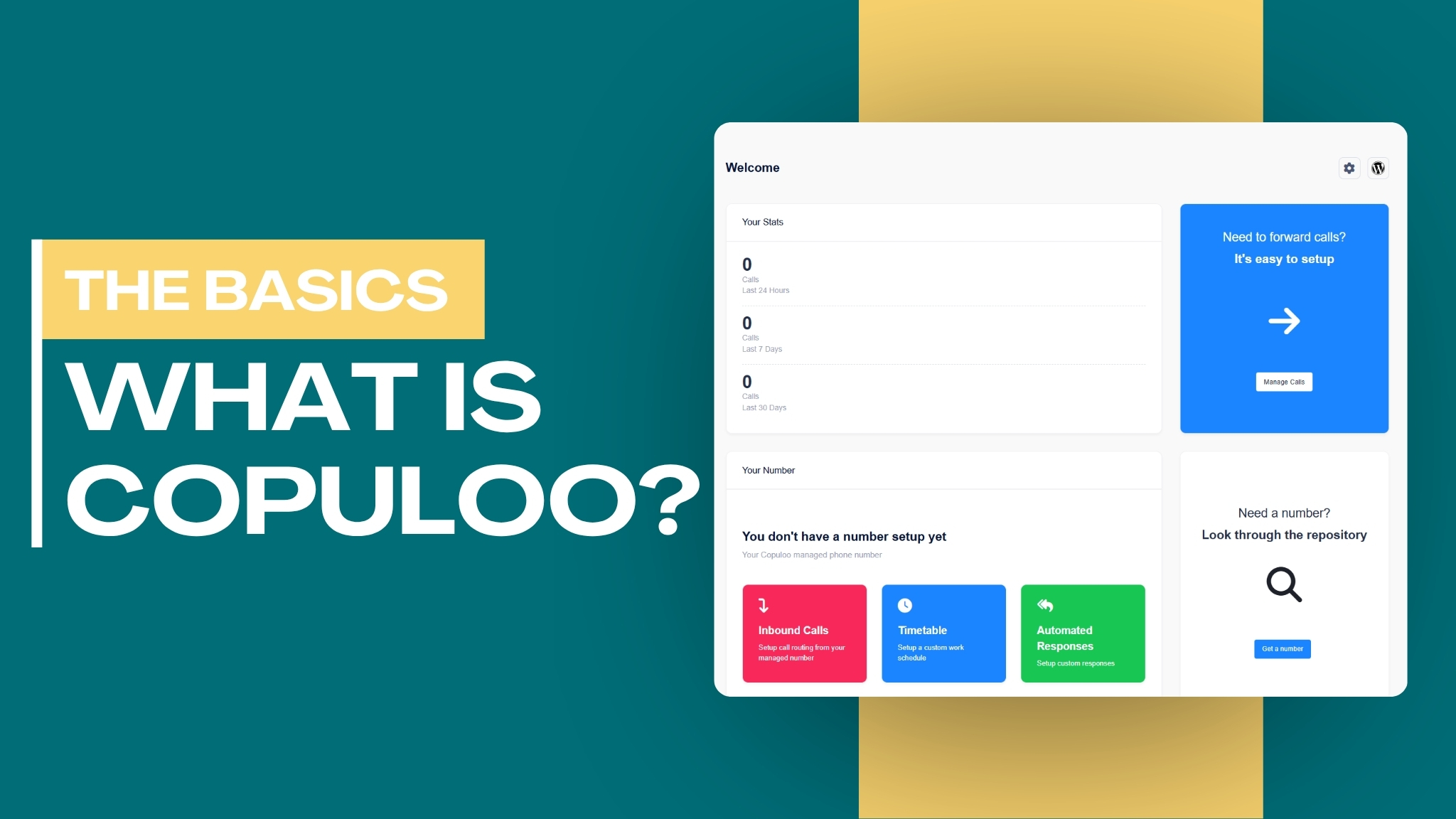
Copuloo is a WordPress plugin that turns your WordPress dashboard into a complete communication hub for handling phone calls and text messages.
Copuloo is a WordPress plugin that turns your WordPress admin dashboard into a mini call center and communication hub. It integrates directly with Twilio, allowing you to make and receive phone calls and send/receive text messages (SMS) in real time all without leaving your WordPress site.
Instead of juggling separate apps like your phone, WhatsApp, or third-party CRMs, Copuloo keeps every customer interaction centralized where you already work which is inside your WordPress dashboard. It’s designed to be simple yet powerful, making it suitable for both basic voice/SMS needs and more advanced automated/AI-powered communication.
Copuloo acts as a lightweight, self-hosted phone system built specifically for WordPress users. You connect your existing Twilio account, assign a phone number, and instantly gain the ability to handle professional communications directly from your browser. It goes beyond basic calling by offering scheduling, automation, and AI integration options, giving small businesses and solo professionals a more polished and efficient way to manage client outreach and support.
Copuloo brings powerful communication tools directly into your WordPress dashboard. You can make and receive phone calls straight from your browser, eliminating the need to switch between devices or apps. The plugin also supports full SMS messaging, allowing you to send and receive text messages through a clean, intuitive interface that keeps your full conversation history organized and easily accessible.
Additionally, Copuloo includes practical management tools such as call logs and contacts, where you can review recent activity and organize your contacts including the ability to block unwanted numbers. To maintain work-life balance, the Business Hours / Timetable feature lets you set a custom schedule so calls are automatically blocked, routed to voicemail, or handled differently outside of your preferred working hours.
For greater efficiency, the plugin offers automated responses, enabling you to create text-to-speech greetings or messages that play when you’re unavailable. For even more advanced functionality, Copuloo seamlessly connects with services like Twilio and Vapi, allowing you to set up a full AI Voice Assistant. This AI can answer incoming calls, handle customer inquiries, take messages, and even book appointments automatically giving your business professional 24/7 coverage without requiring constant human presence.
Copuloo shines in many practical situations, especially for solo professionals and small teams. A freelance web designer or consultant, for example, can make outbound calls to prospects directly from their WordPress dashboard while reviewing project details on the same screen. Incoming client calls ring right inside the dashboard, ensuring they never miss an important opportunity while working on their site. Similarly, a local e-commerce store owner can use Copuloo to efficiently handle order inquiries through both phone calls and text messages, keeping all communication organized alongside their WooCommerce orders.
The plugin is particularly valuable for businesses that need structure and automation. Service providers like plumbers, accountants, or coaches can set up a custom timetable to automatically decline or redirect calls outside business hours, while playing a professional text-to-speech greeting such as: “Thank you for calling. Our office is closed. Please text us your inquiry and we’ll reply during business hours.” For those wanting round-the-clock availability, Copuloo’s integration with Vapi or Twilio allows you to deploy an AI voice assistant. This AI can answer common questions, take messages, forward them via SMS or email, and even book appointments directly into a calendar making it ideal for real estate agents, clinics, and marketing agencies.
Beyond individual use, Copuloo supports team collaboration for small agencies. Multiple team members can access the same communication hub from their WordPress accounts, with all calls and texts centrally logged for better coordination. It’s also useful for lead generation: marketing teams can purchase a local Twilio number and quickly follow up with new leads via calls or texts while the information is still fresh. Even individuals can benefit by using it as a dedicated secondary business line, keeping personal and professional communications cleanly separated.
Getting started with Copuloo is straightforward. First, install the plugin directly from the WordPress plugin directory. Once activated, connect your existing Twilio account by entering your Account SID and Auth Token in the plugin settings. After connecting, you can assign an existing Twilio phone number or purchase a new one directly through the plugin interface.
Once your number is set up, you’re ready to start making and receiving phone calls and text messages, all activity happens conveniently within your WordPress dashboard. This seamless integration means you can manage communications without ever leaving your site.
It’s important to note that Copuloo requires an active Twilio account with sufficient balance. Standard Twilio rates apply for calls, messages, and phone numbers. The Copuloo plugin itself does not charge for its core functionality