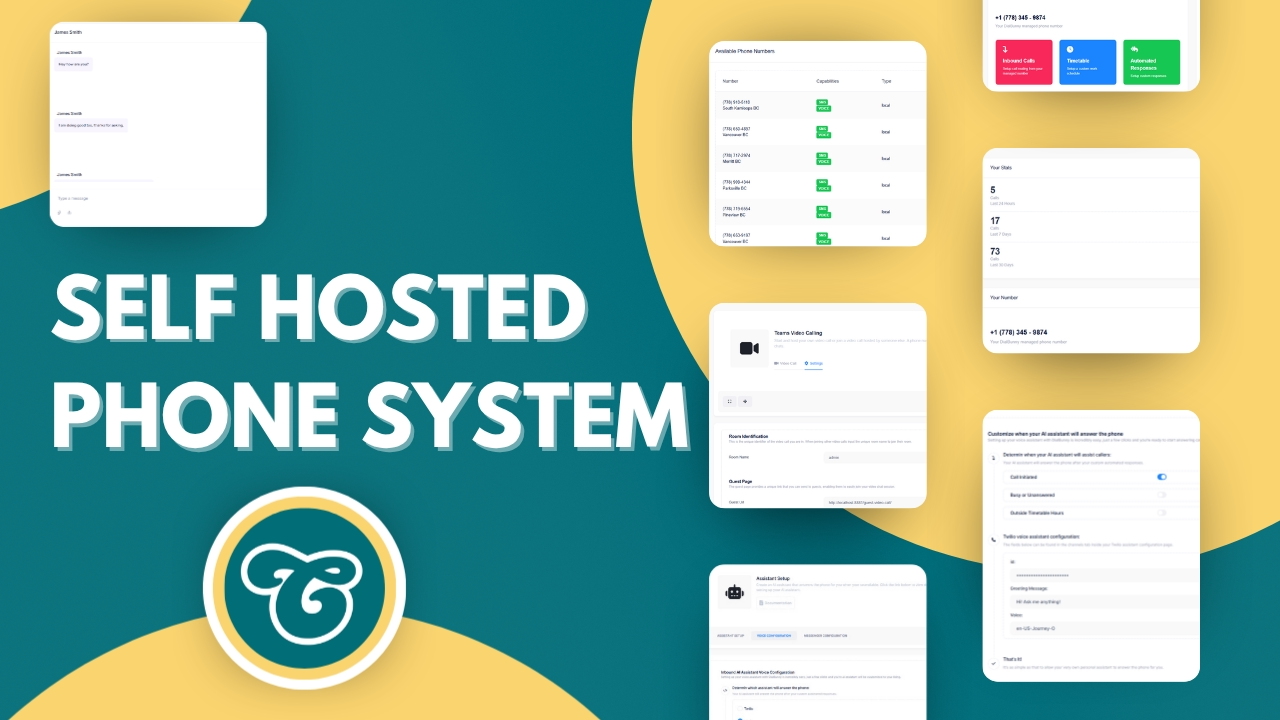
© Copuloo Official 2025
Don't use AI, your customers called you! Not a robot!
Make & Receive Phone Calls
Make & Receive Text Messages
Control when people can call you

Whether it's for business or personal use, having more control over how you handle calls is just a no-brainer!
Easily search for and find a phone number in your local area. Once you've got a number you can easily manage inbound and outbound phone calls and text messages right from your WordPress dashboard.
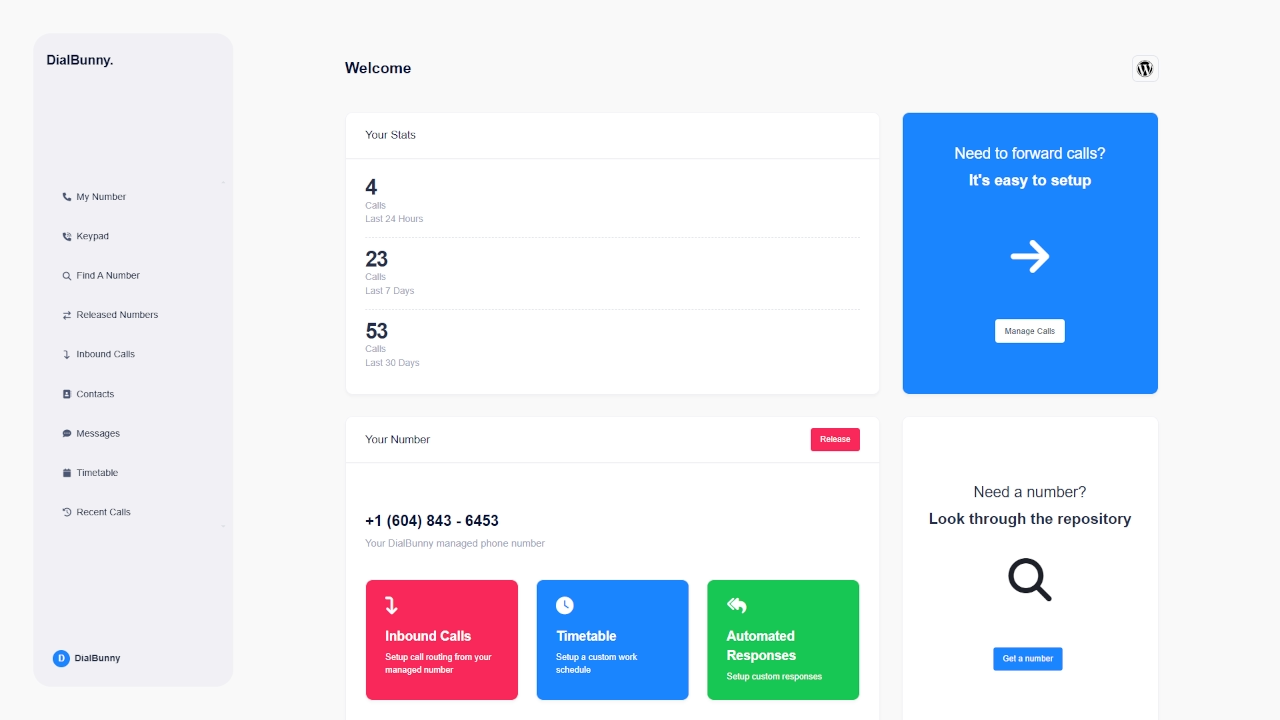

Control when clients can call you

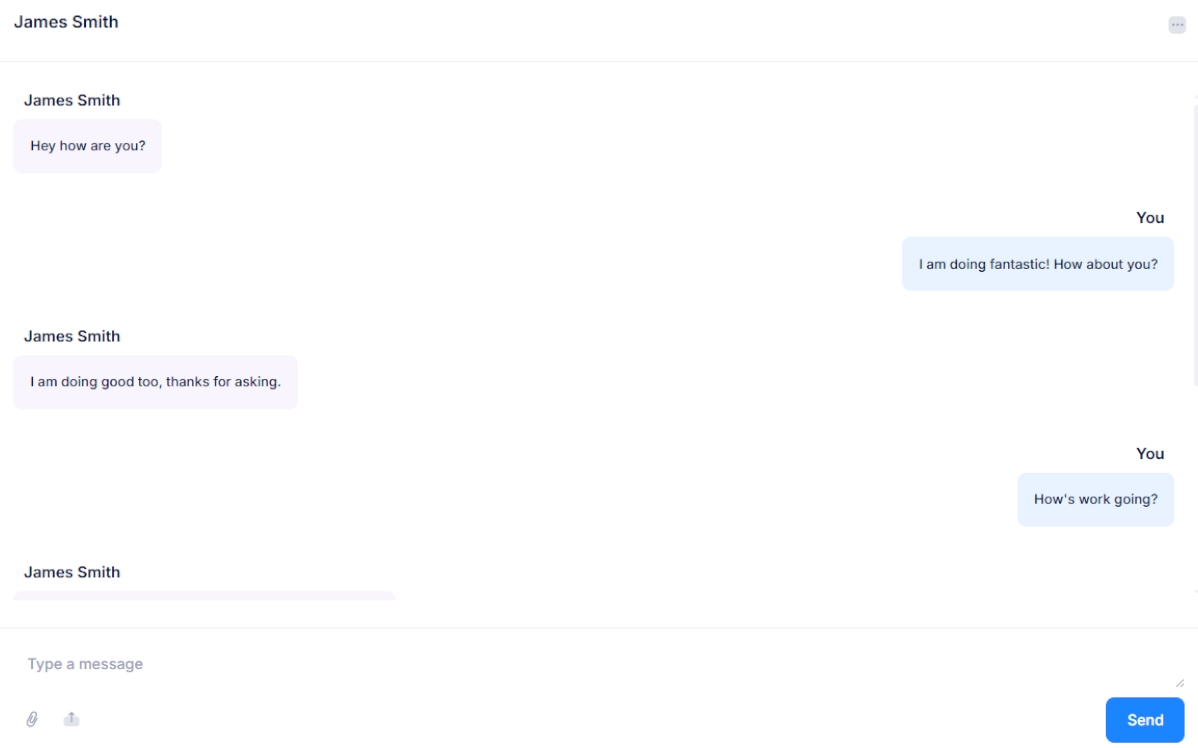
Organize and manage text messages

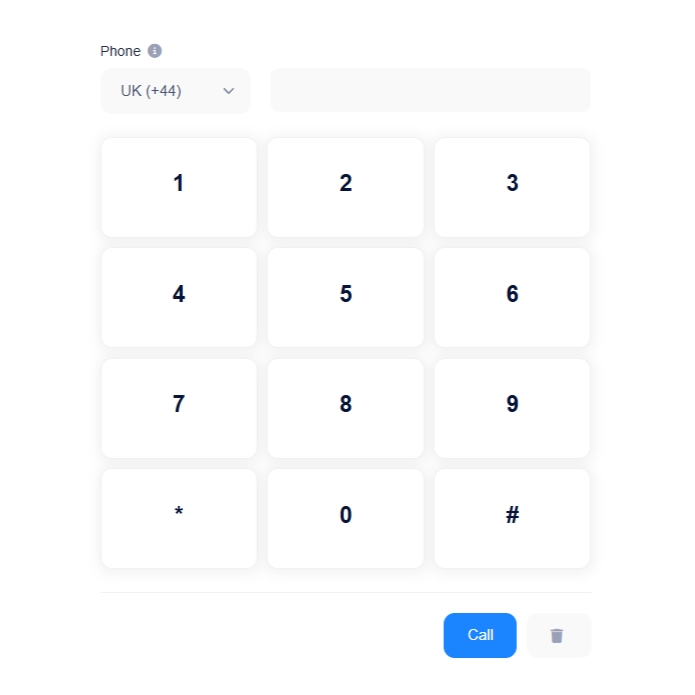
Make and receive phone calls
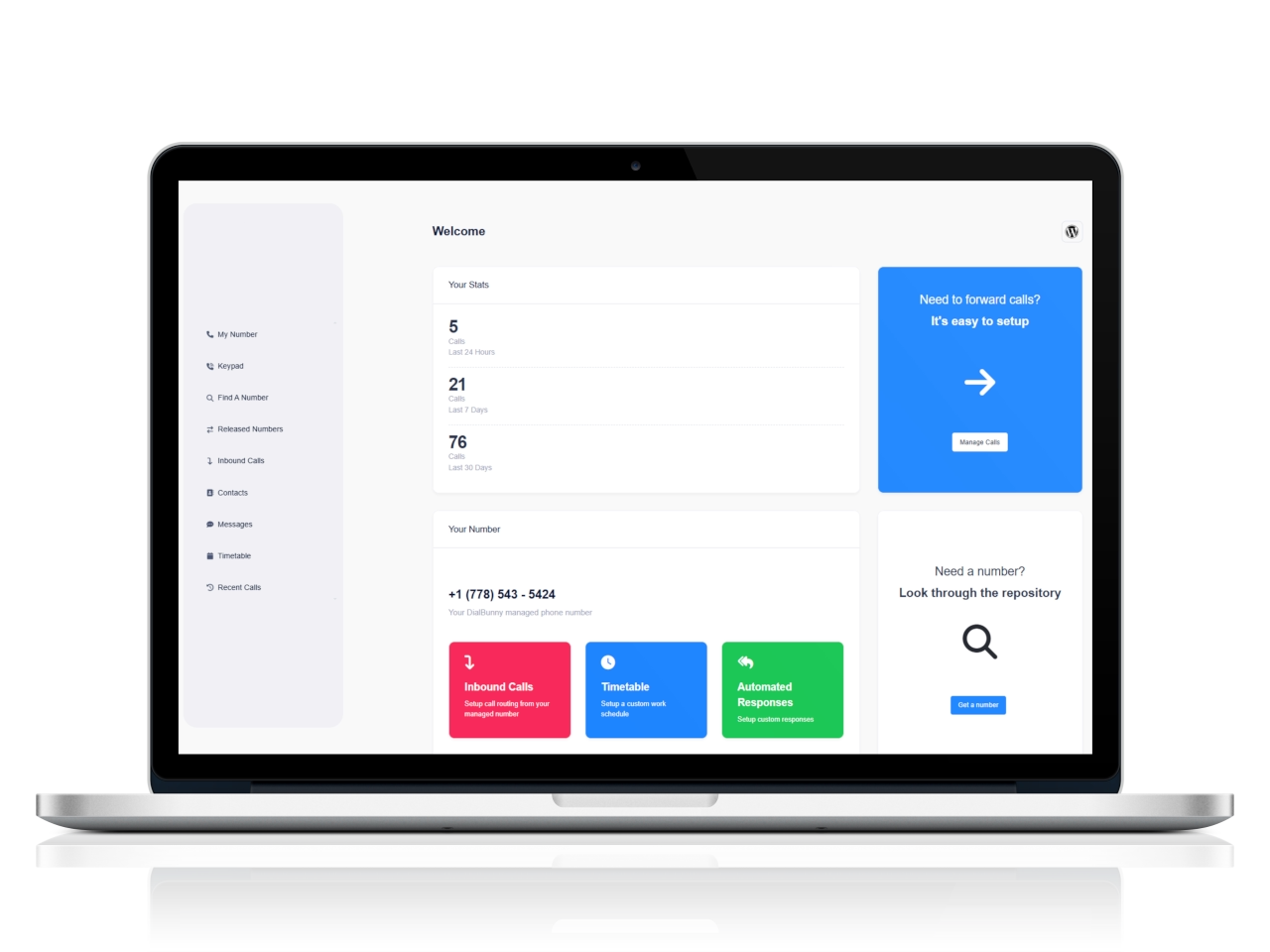
Make and receive calls and texts directly from your WordPress admin dashboard, no need to leave your site.
Manage calls through a Copuloo number allowing you to better manage who calls you. Easily manage inbound and outbound phone calls through a simple self hosted solution.
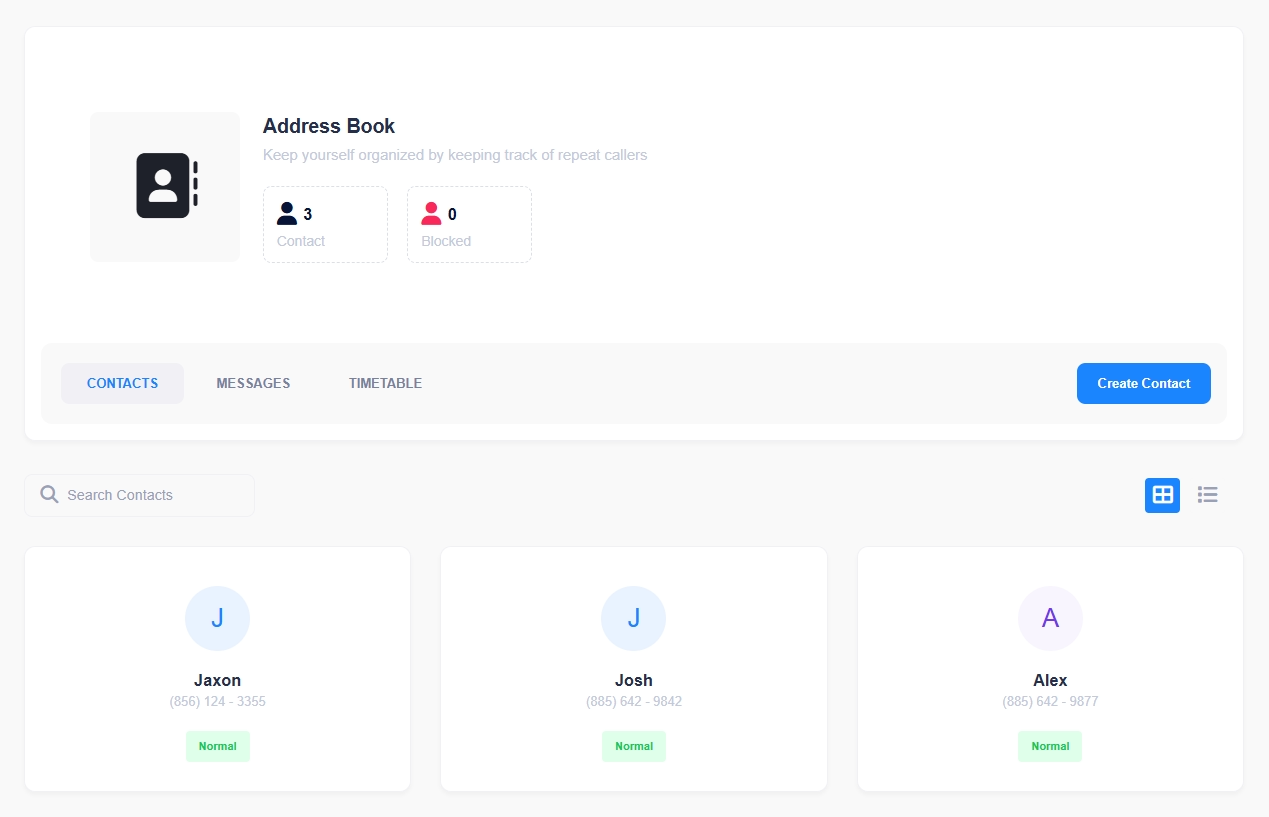
Create and edit contacts with the ability to block numbers.
Make and receive calls & texts from your WordPress dashboard.
Create a custom timetable so people/clients can't call outside of set hours.
Setup a custom assistant that will answer the phone for you when your unavailable.


You can seamlessly integrate your own AI voice assistant using platforms like Twilio or Vapi to handle incoming customer calls, respond to questions, and even schedule appointments automatically.